Dispenses
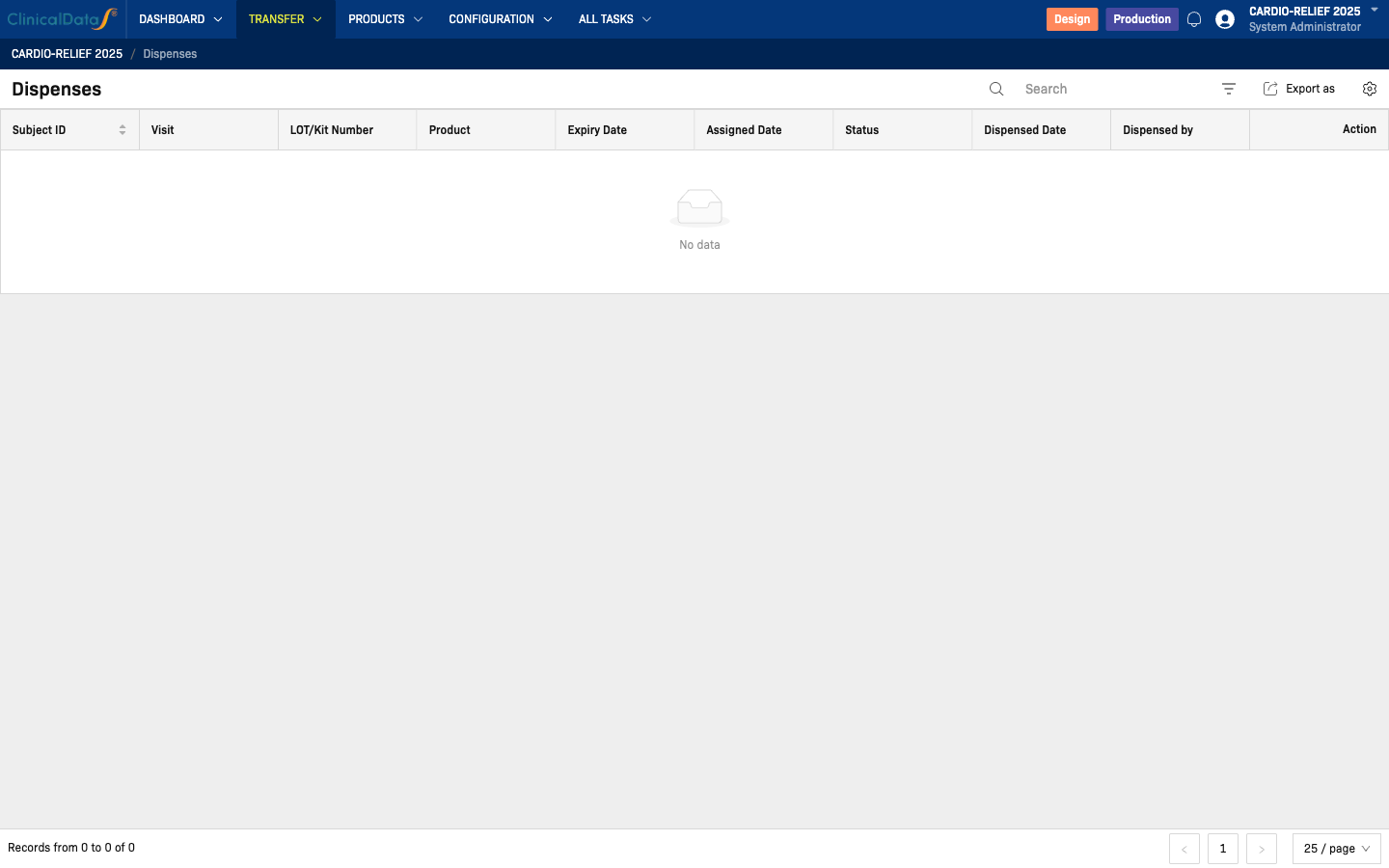
A dispense records the event when a site user gives an IP code (investigational product) to a study participant. In randomization studies, dispensing starts after subject randomization and system kit assignment.
Navigate: IMP → Transfer → Dispenses
Pre-dispense flow (Randomization -> Dispense Request -> Dispense)
Before a row appears in Transfer -> Dispenses, the upstream steps are:
- CRC / Investigator randomizes subject in RTSM/IWRS (after eligibility and strata input).
- System validates and randomizes, then assigns the next available blinded kit.
- System generates a dispense request (or dispensing assignment) linked to the randomized subject and visit.
- Site Pharmacist receives notification (My Tasks / All Tasks / in-app task list).
- Site Pharmacist prepares and dispenses the assigned kit, then updates the dispensing log.
This keeps the dispensing process blinded at site level: site users receive kit-level instructions without treatment-arm disclosure.
Quick flow diagram
Dispense columns
| Column | Description |
|---|---|
| Dispense No. | System-generated dispense identifier |
| IP Code | The specific IP code dispensed |
| Product | Product name |
| Study Group | Treatment arm (visible to unblinded roles only) |
| Participant ID | Participant who received the IP |
| Site | Site where dispensing occurred |
| Dispensed On | Date of dispensing |
| Dispensed By | Site user who recorded the dispense |
| Status | Dispense status |
View dispense detail
Click a row to view the full dispense record including the participant visit, IP code details, and dispensing staff information.
For randomization-linked records, detail should also show the upstream context used by the site team:
- Subject and visit/event
- Randomization reference
- Dispense request/assignment reference
- Assigned kit/IP code and dispensing audit trail
An IP code must be at the site (delivered and receipt confirmed) before it can be dispensed. Randomization must also be configured if Purpose = Randomization.