This section is only available when Is the Supply Chain function enabled? is set to Yes in IMP Configuration.
Delivery to Site
A Delivery Request moves IP codes from a source warehouse to a Site Pharmacy. CDS supports two request types:
- Sponsor-initiated — the Sponsor selects a source warehouse and creates the delivery directly.
- Site-initiated — the Site Pharmacist submits a resupply request; the Sponsor reviews, approves, and assigns the source warehouse before the delivery is dispatched.
When Manage Warehouse is On, the source warehouse is an intermediate warehouse (e.g., Country Warehouse). When Off, IP codes are shipped directly from the Central Depot.
Navigate: IMP → Transfer → Delivery to Site
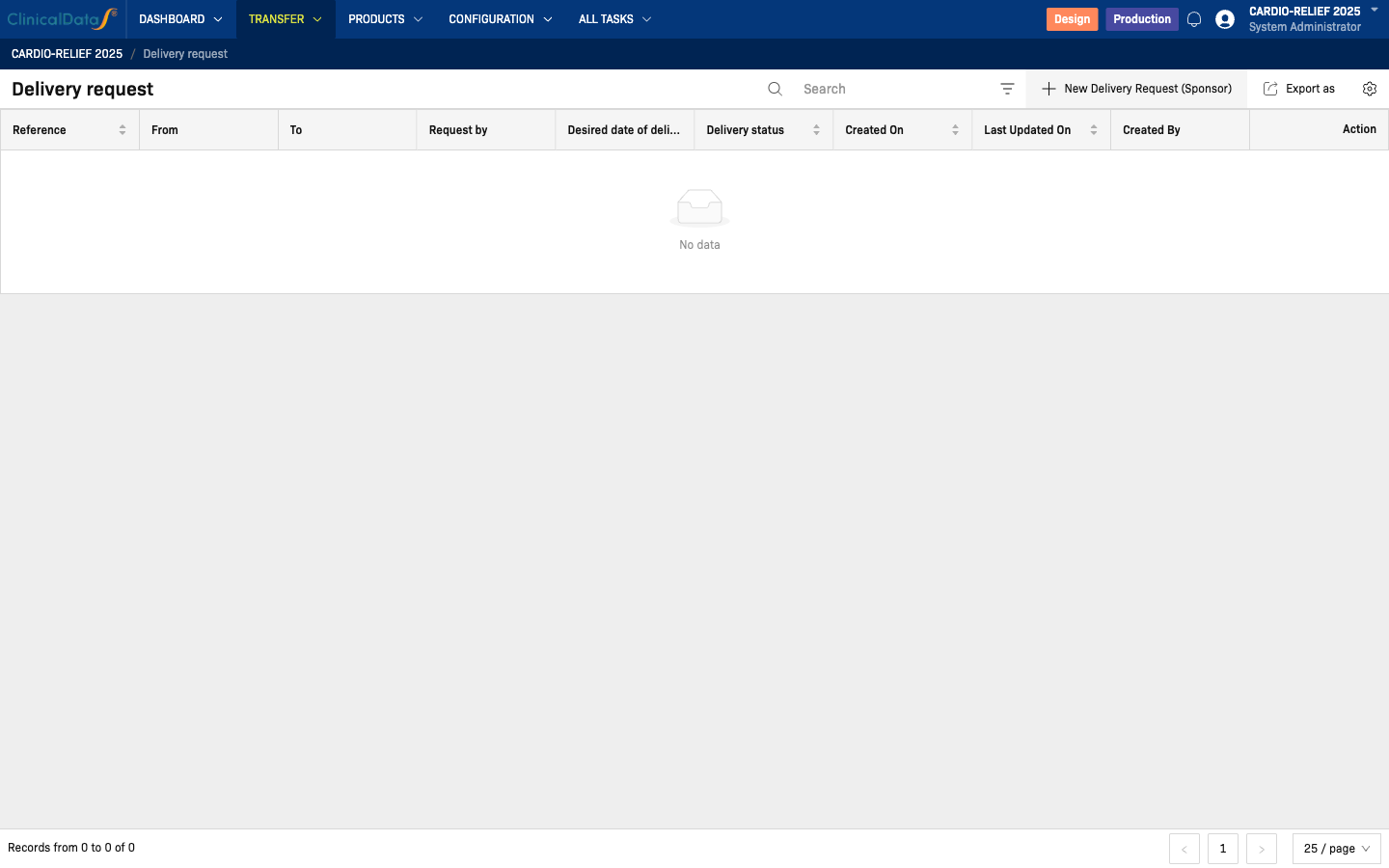
IP codes must exist before you can create a delivery request. If no IP codes are available, the system redirects back to the list when you navigate to the creation form.
Create a Delivery Request (Sponsor)
Click New Delivery Request (Sponsor).
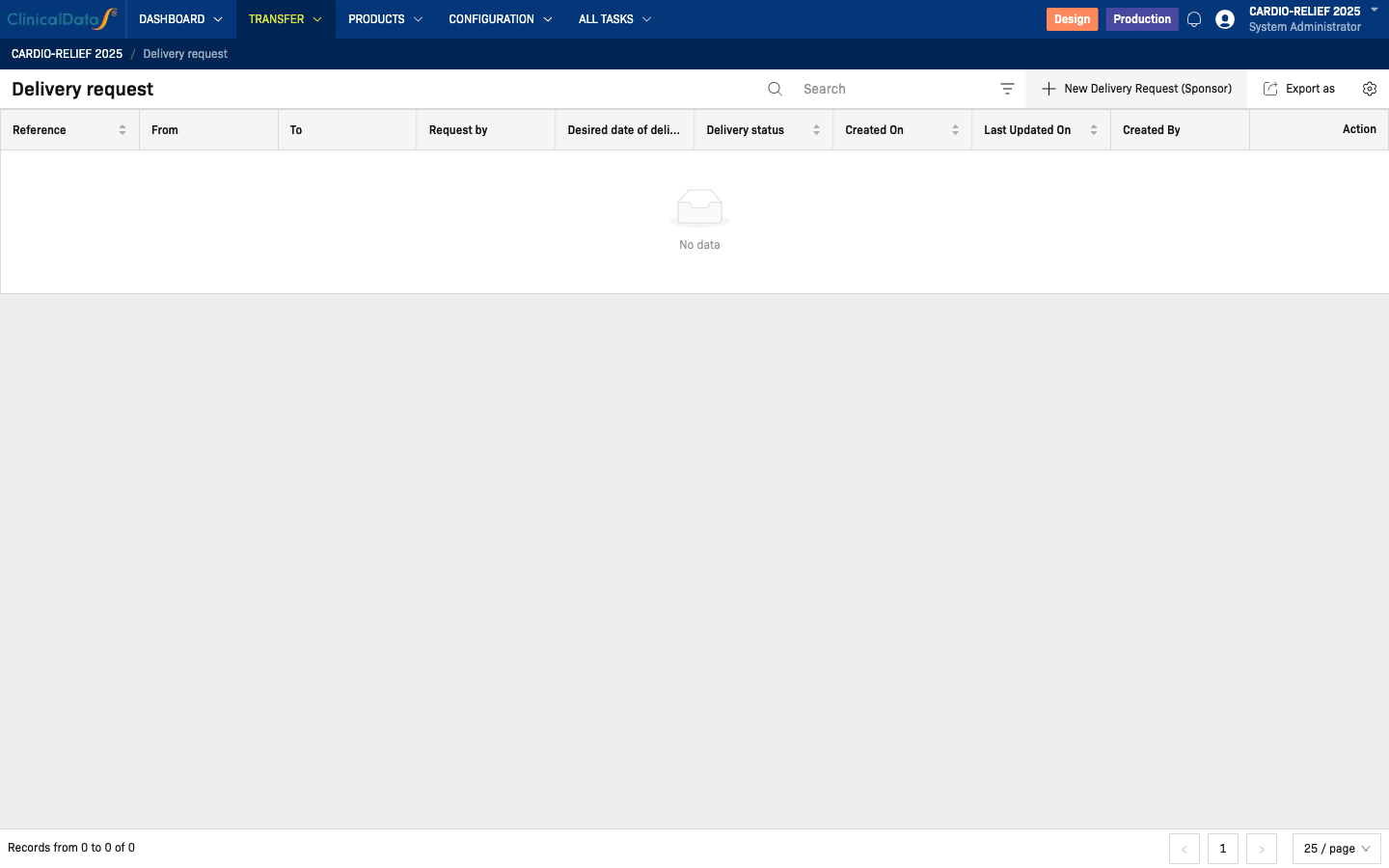
Fill in the form:
| Field | Description |
|---|---|
| From | Source warehouse (e.g., Central Depot) |
| To | Destination site pharmacy (e.g., SITE-01 Pharmacy) |
| IP Codes | Select the codes to include in this delivery |
| Notes | Optional delivery notes |
Click Submit (or equivalent) to create the request. The delivery status moves to Pending until the site confirms.
Delivery Request statuses
| Status | Description |
|---|---|
| Pending | Created by Sponsor; awaiting site confirmation |
| Confirmed | Site pharmacy confirmed receipt; receipt auto-generated |
| Cancelled | Request was cancelled before confirmation |
Site confirms delivery
When the site pharmacy receives the IP codes, a user with site-level access confirms the delivery from the Delivery to Site list or All Tasks. On confirmation:
- The delivery status changes to Confirmed
- A Receipt is automatically generated (visible under Transfer → Receipts)
- The IP codes' warehouse assignment updates to the site pharmacy