Overview
The IMP supply chain tracks investigational product (IP) from creation through participant dispensing and return. The full workflow is available under the IMP app menu.
Navigation
| Menu | Sub-item | Requires | Purpose |
|---|---|---|---|
| Transfer | Receipts | Manage Warehouse = On | Warehouse confirms receipt from Central Depot |
| Transfer | Delivery to Site | Supply Chain function = Yes | Sponsor or Site creates delivery requests to sites |
| Transfer | Site Receipts | Supply Chain function = Yes | Auto-generated receipts when site delivery is confirmed |
| Transfer | Dispenses | Supply Chain function = Yes | Site records dispensing to participants |
| Transfer | Returns | Supply Chain function = Yes | Site records unused/expired IP returns |
| Products | Products | — | View products and their barcodes |
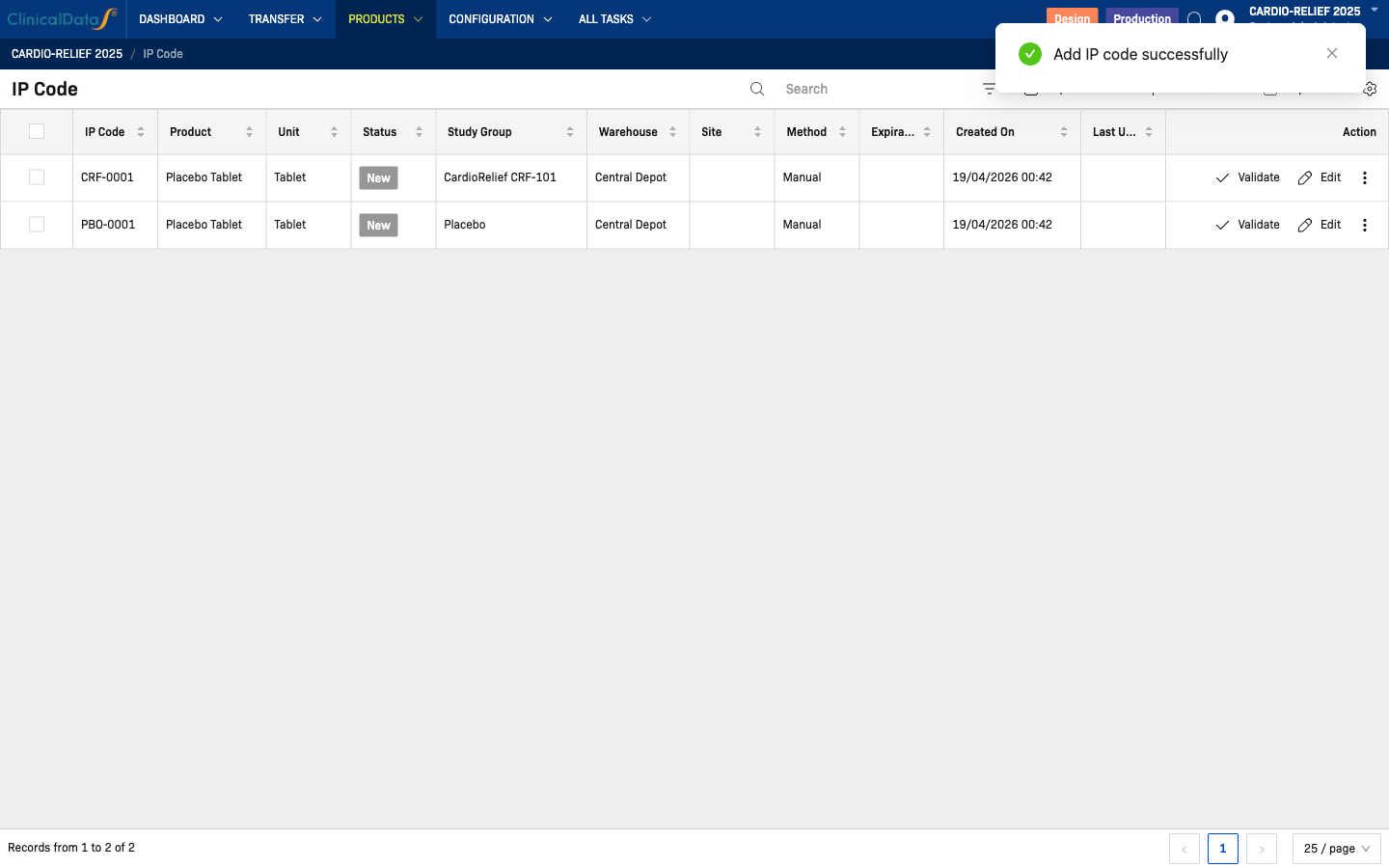
| Products | IP Code | — | Add and manage individual IP codes |
| Configuration | Warehouses | Manage Warehouse = On | Central Depot + intermediate/site pharmacy locations |
| Configuration | Unit of Measure Category | — | Product units (e.g., Tablet) |
| All Tasks | — | Supply Chain function = Yes | Pending tasks across all transfer steps |
Supply Chain Flow
Step 1 — Configuration
  └─ Warehouses: Central Depot + SITE-01, SITE-02, SITE-03 Pharmacies
  └─ Unit of Measure: Tablet

Step 2 — Products
  └─ Products defined: e.g., CardioRelief CRF-101 50mg Tablet, Placebo Tablet

Step 3 — IP Codes (Products → IP Code)
  └─ Add codes one-by-one or bulk import via CSV
  └─ Assign Study Group at creation (CardioRelief CRF-101 or Placebo)
  ⚠️  Unblinded operation — visible to unblinded roles only

Step 4 — Receipts: Central Depot → Warehouse  [Manage Warehouse = ON only]
  └─ Sponsor ships from Central Depot to intermediate Warehouse
  └─ Warehouse confirms receipt (Transfer → Receipts)

Step 5 — Delivery to Site (Transfer → Delivery to Site)  [Supply Chain function = Yes]
  Two request types:
  └─ Sponsor-initiated: Sponsor selects warehouse → ships to site
  └─ Site-initiated: Site Pharmacist requests → Sponsor approves + assigns warehouse → ships to site
  [Manage Warehouse = OFF: source is Central Depot directly]

Step 6 — Site Receipts (Transfer → Site Receipts)
  └─ Auto-generated by system on delivery confirmation
  └─ Read-only list

Step 7 — Dispenses (Transfer → Dispenses)
  └─ Site records IP dispensed to participant

Step 8 — Returns (Transfer → Returns)
  └─ Site records unused/expired IP returned
Two IMP Configuration toggles control the supply chain
Is the Supply Chain function enabled?
- Yes — activates the Delivery Request workflow (Transfer → Delivery to Site). Two request types are available:
- Sponsor-initiated: Sponsor selects a warehouse and creates a delivery to a site.
- Site-initiated: Site Pharmacist requests a delivery → Sponsor reviews, approves, and assigns the source warehouse.
- No — the Transfer section is not available; supply chain operations are disabled.
Manage Warehouse (in IMP Configuration)
- On — 3-tier flow: Central Depot → Warehouse → Site Pharmacy. The intermediate Receipts step is required before IP codes can be delivered to sites.
- Off — 2-tier flow: Central Depot → Site Pharmacy directly. The Receipts step does not apply.
Design vs Production mode
The IMP app header shows Design and Production toggle buttons:
- Design — configuration changes allowed; no real supply transactions
- Production — live operational mode; IP codes and transfers are real
Configure all settings in Design mode before switching to Production.
Prerequisites
Before adding IP codes:
- Study randomization is configured (for Randomization purpose)
- At least one product is defined under Products → Products
- At least one warehouse is defined under Configuration → Warehouses
- Units of measure are defined under Configuration → Unit of Measure Category