Dashboard Overview
The Site Pharmacist Dashboard is the default landing page — a centralized workspace showing all actionable items, key metrics, and shortcuts to frequent workflows. From here you can quickly assess pending tasks, monitor site inventory, and navigate to detailed operations.
At a Glance
The top of the dashboard presents summary cards with live counts for the most critical metrics:
| Card | Description |
|---|---|
| Pending Deliveries | Deliveries en route that need confirmation at your site |
| Pending Dispenses | Dispense requests from Investigator / CRC awaiting action |
| Stock at Site | Total IP codes currently in your site pharmacy inventory |
| Pending Returns | Active return requests (outbound or awaiting destination receipt) |
| Low Stock Alerts | Products that have fallen below the configured reorder threshold |
Quick Actions
Use the Quick Actions panel to jump directly to the most common tasks:
| Action | Navigation Path | Description |
|---|---|---|
| Confirm Delivery Receipt | IMP → Transfer → Delivery to Site | Confirm arriving IP codes against the delivery order |
| View Pending Dispenses | IMP → Transfer → Dispenses | Dispense assigned IP kits to subjects |
| Create Resupply Request | IMP → Transfer → Delivery to Site | Request additional IP stock from Sponsor |
| Create Return | IMP → Transfer → Returns | Initiate a return for damaged/expired/surplus IP |
| Check Site Inventory | IMP → Products → IP Code | View all IP codes currently at your site |
| View All Tasks | IMP → All Tasks | See every pending action across all workflows |
Workflow Sections
The dashboard organizes your work into logical sections. Click any section heading to navigate to the full workflow view.
Incoming Deliveries
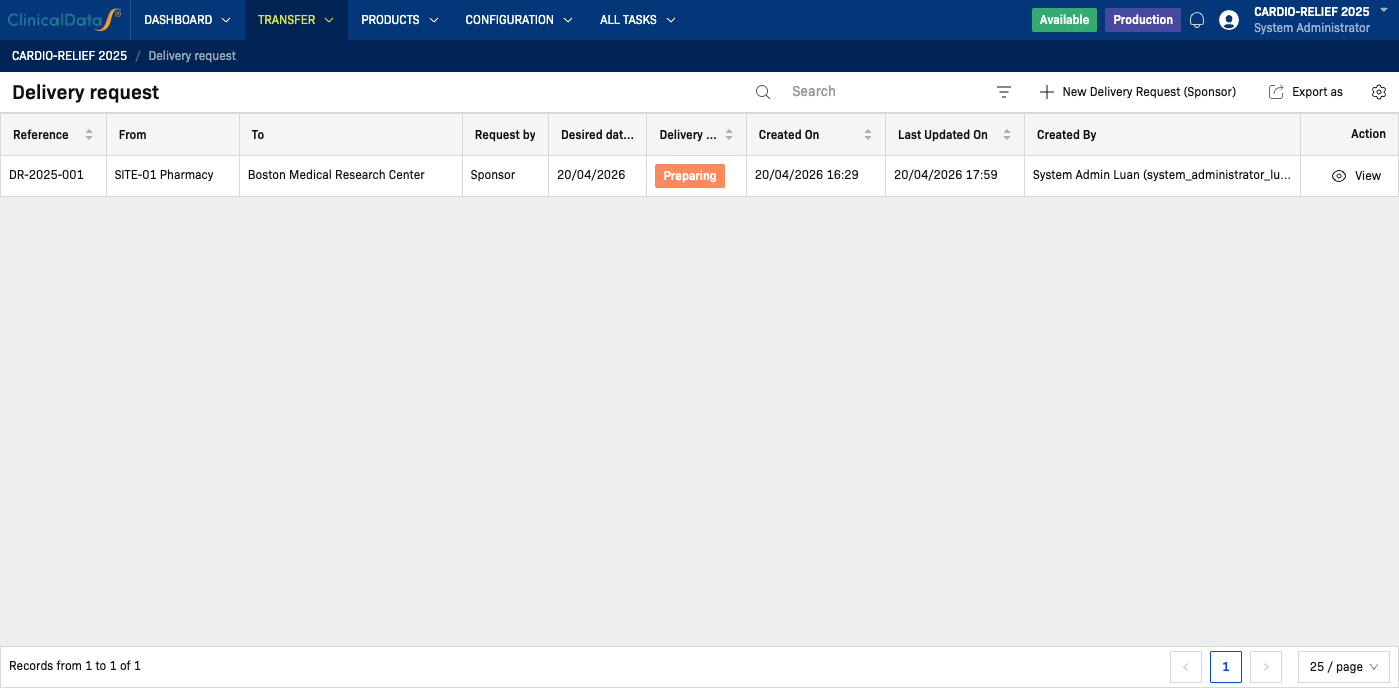
Lists shipments that have been dispatched to your site but not yet confirmed:
| Column | Description |
|---|---|
| Delivery Ref | Unique delivery identifier |
| Source | Origin (Central Depot or Country Warehouse) |
| IP Codes | Number of kits in this shipment |
| Dispatched On | Date the shipment left the source |
| Status | On Delivery or IP delivery complete |
| Action | Confirm Receipt button |
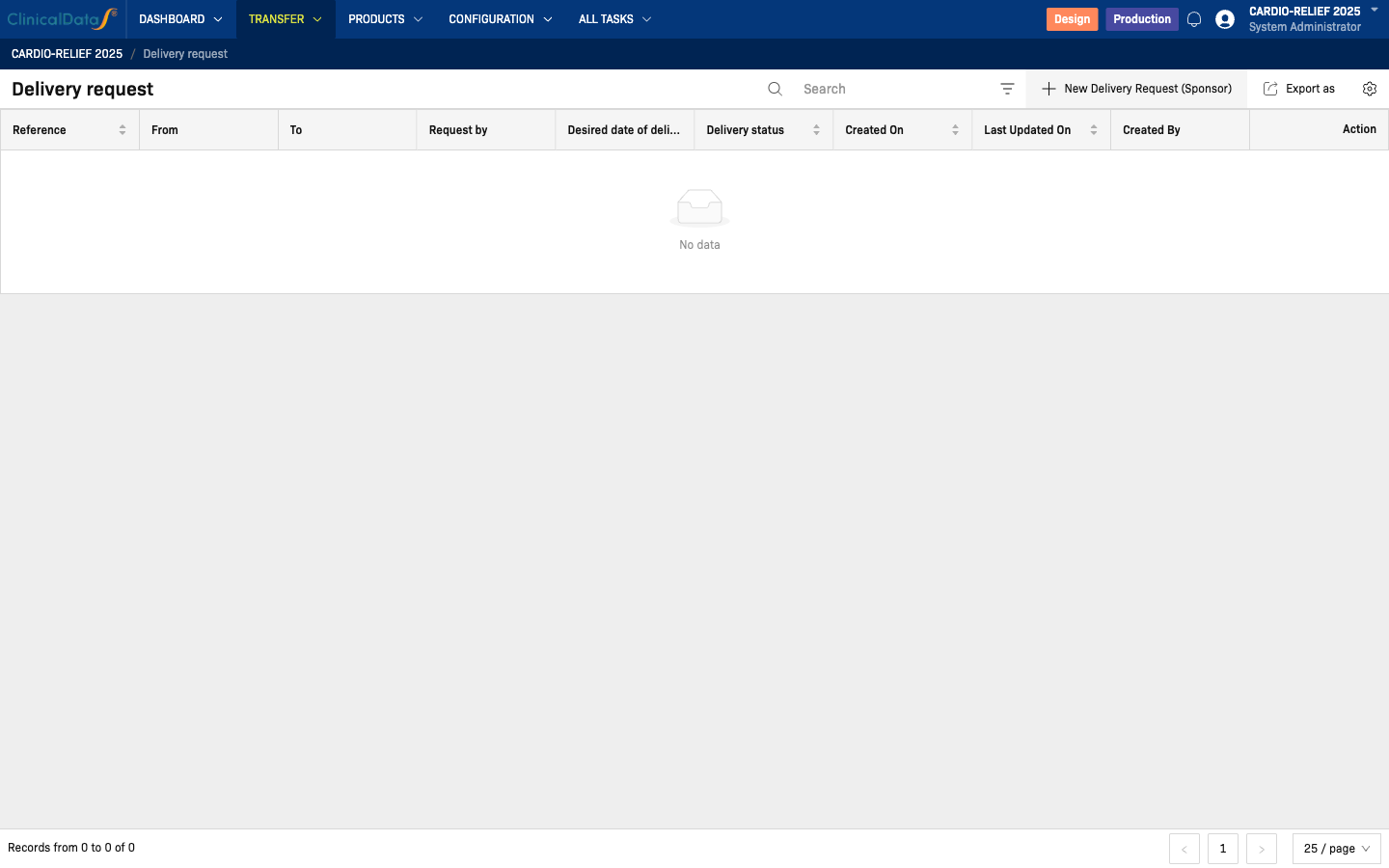
For the full workflow, see Delivery to Site.
Pending Dispenses
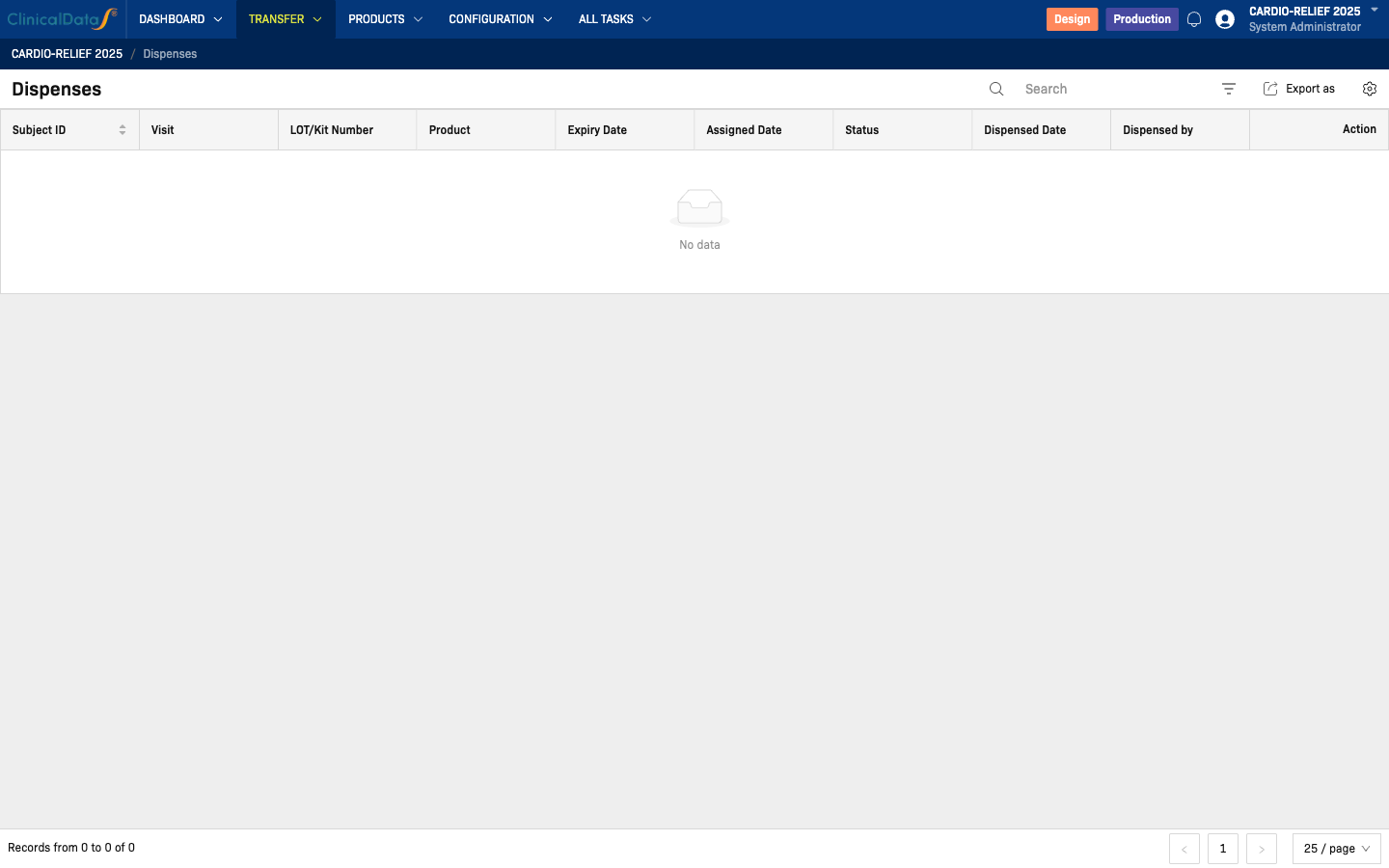
Dispense requests awaiting your action. These are created by the Investigator or CRC after subject randomization or visit:
| Column | Description |
|---|---|
| Subject ID | Participant identifier |
| IP Code | RTSM-assigned kit number |
| Product | Product name (blinded — no treatment arm shown) |
| Requested On | Date and time of the dispense request |
| Status | Pending Dispense or Dispensed |
| Action | Dispense button |
For the full workflow, see Dispenses.
Active Returns
Returns you have initiated or need to prepare:
| Column | Description |
|---|---|
| Reference | System-generated return identifier |
| To | Destination (Warehouse or other site) |
| IP Codes | Kits included in the return |
| Status | Draft → Requested → Approved → Preparing |
| Last Updated | Most recent status change date |
| Action | View / Prepare button |
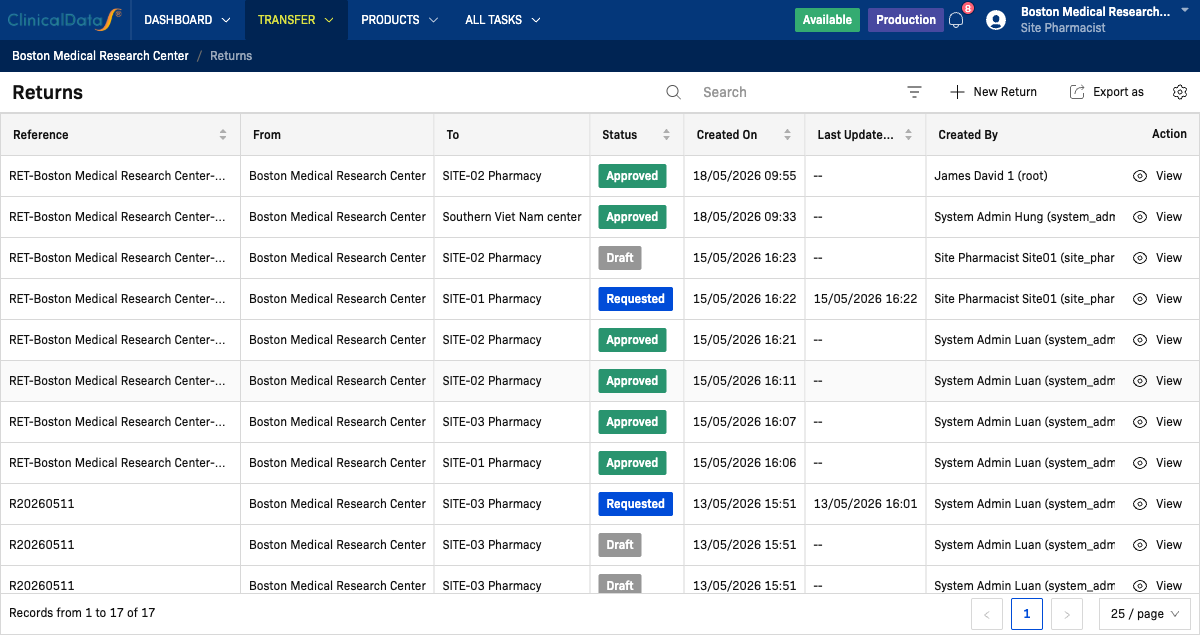
For the full workflow, see Returns.
Site Inventory Summary
Shows current stock levels at your site pharmacy:
| Column | Description |
|---|---|
| Product | Product name (blinded) |
| Total at Site | IP codes currently at your site |
| Available | Codes not yet dispensed |
| Dispensed | Codes already dispensed to participants |
| Returned | Codes marked for return |
| Low Stock | ⚠️ Indicator when below reorder threshold |
View the full inventory list under IMP → Products → IP Code.
Status Summary
This section tracks the status of the Site Refill Request and Sponsor Delivery processes relevant to your role.
Delivery Request Statuses
| Status | Description |
|---|---|
| IP delivery request | Created by Sponsor — awaiting Warehouse Manager confirmation |
| On delivery | Warehouse confirmed; shipment is in transit |
| IP delivery complete | You confirmed receipt at your site; inventory updated |
| IP delivery cancelled | Request was cancelled before shipment |
Refill Request Statuses
| Status | Description |
|---|---|
| Refill request submitted | You submitted a resupply request — pending Sponsor review |
| Refill approved | Sponsor approved; delivery order being created |
| Refill rejected | Sponsor declined (reason visible in request details) |
| Refill fulfilled | Approved delivery completed; stock added to site inventory |
Notifications Feed
The dashboard includes a compact Notifications feed showing recent system alerts:
| Event | Displayed |
|---|---|
| Delivery Order dispatched to this site | ✅ Yes — "New delivery arriving" banner |
| Dispense request from Investigator / CRC | ✅ Yes — shown under Pending Dispenses |
| Resupply request approved by Sponsor | ✅ Yes — "Resupply approved, preparing to ship" notification |
| Return request status update | ✅ Yes — status change reflected in Active Returns section |
Notifications appear as dismissible inline banners at the top of the dashboard and are also available from the bell icon in the global header.
Customizing the Dashboard
The dashboard layout is designed to show the most relevant information by default. You can:
- Resize columns in table views to suit your preference
- Sort any table column by clicking its header
- Filter views using the search box above each table
For role-specific settings (default tab, notification preferences), see your study or system administrator.
Related Pages
| Page | Purpose |
|---|---|
| Site Pharmacist Overview | Role responsibilities and high-level description |
| Delivery to Site | Full delivery request workflow |
| Dispenses | Dispensing workflow and details |
| Returns | Return workflow and statuses |
| IMP Supply Chain | End-to-end supply chain overview |
| IMP Configuration | Module setup and toggles |