Overview
The Form Builder management page is where you manage CRFs before opening the detailed editor.
Main URLs:
- Form Builder list: https://[instance]/apps/formbuilder
- CRF version editor: https://[instance]/apps/formbuilder/crf-version/[versionId]
Example:
CRF List Page
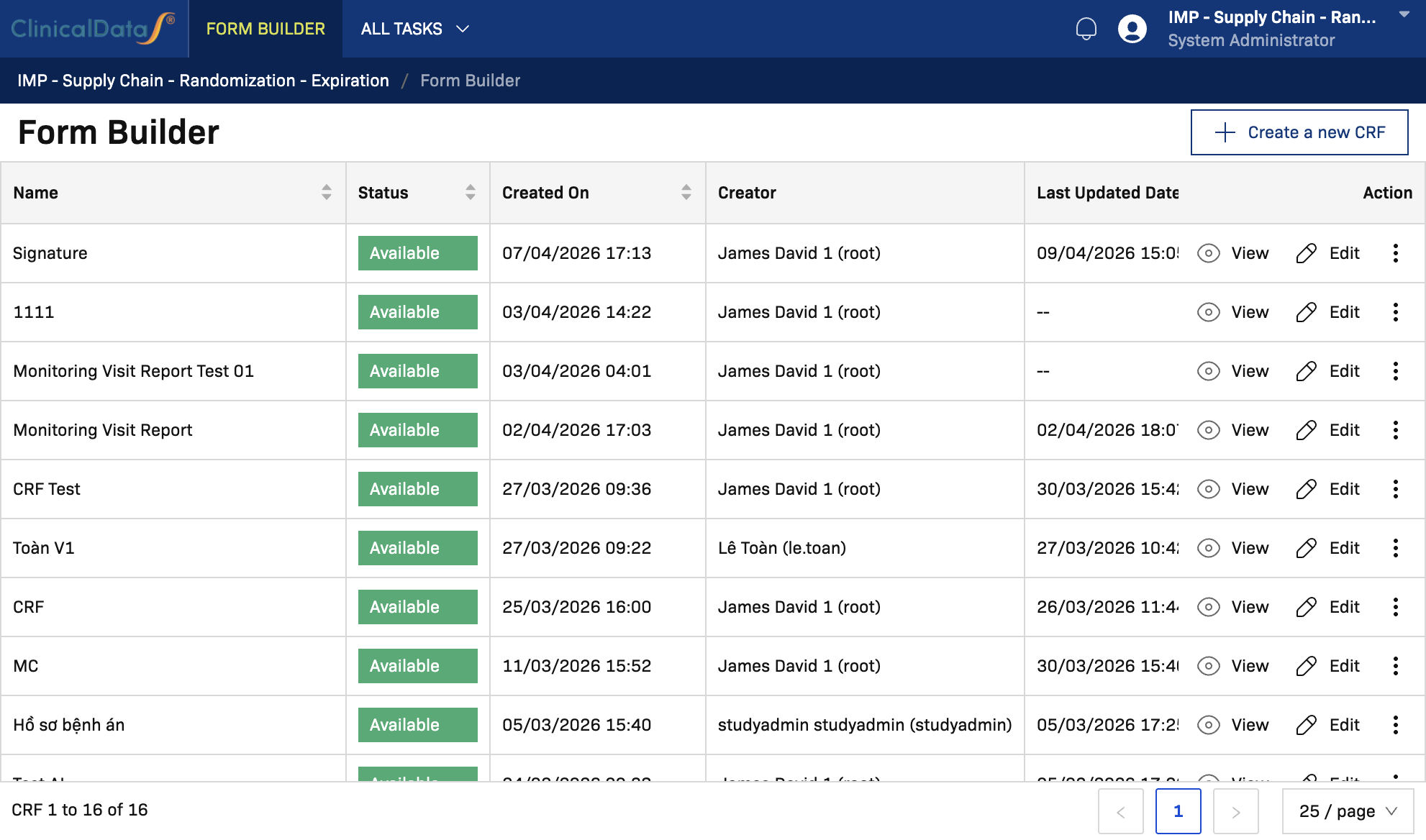
From the Form Builder list page, you can:
- Create a new CRF
- View existing CRFs
- Open CRF versions and actions
- Review status, creator, created date, last updated date, and latest version
Create a New CRF
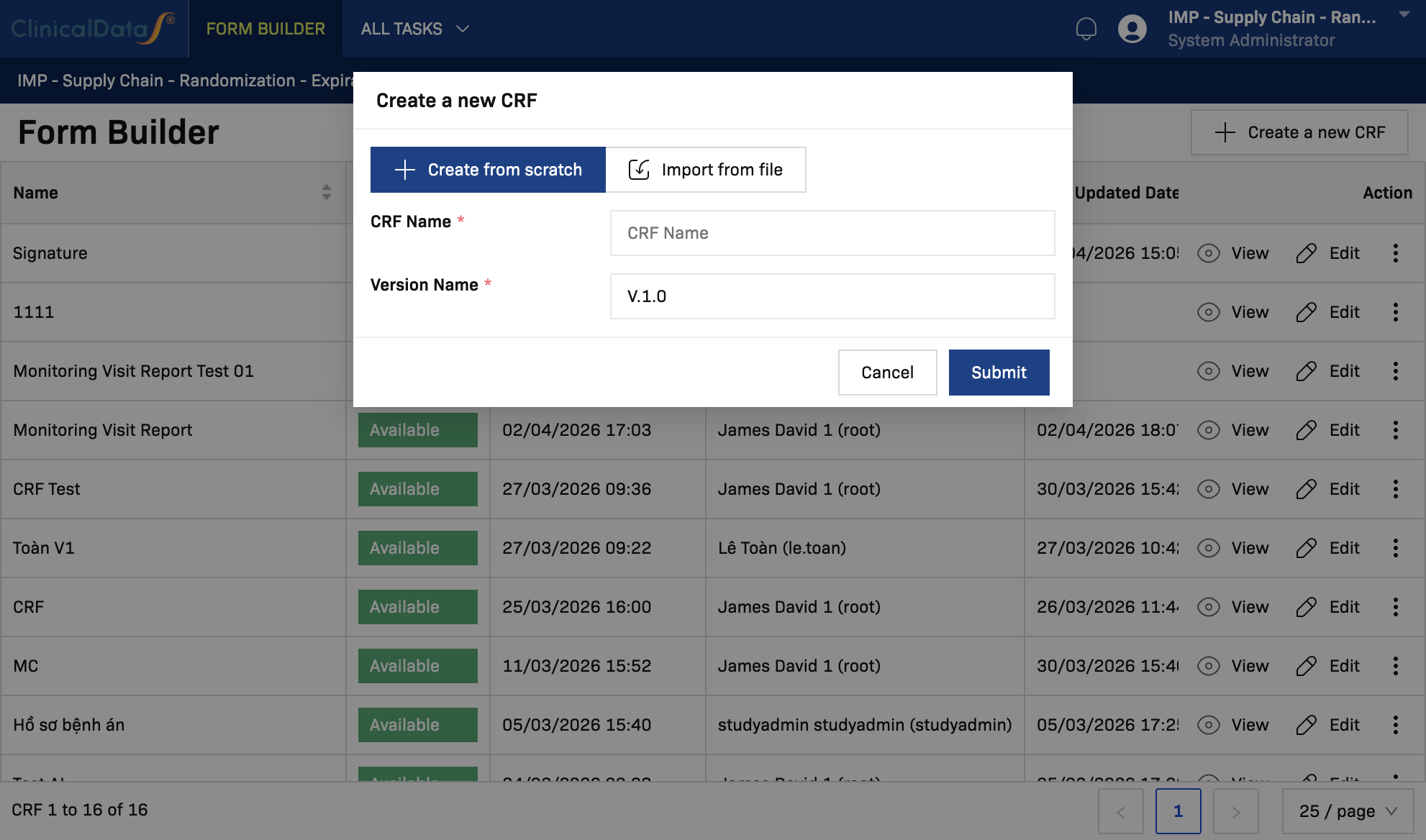
- Open Form Builder.
- Select Create a new CRF.
- Enter required CRF details in the create dialog.
- Select Submit to create the CRF and open it in editor mode.
View a CRF
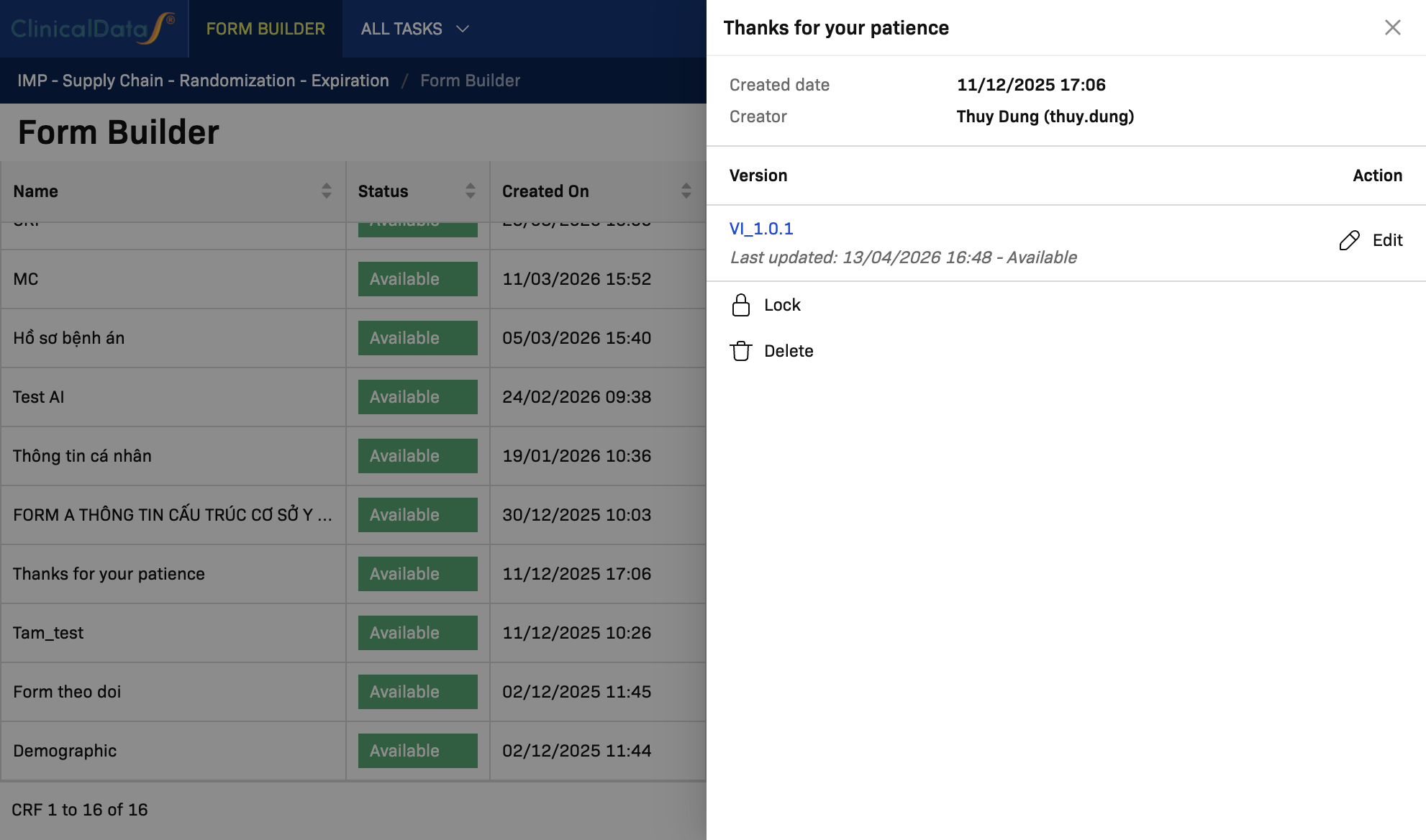
To view a CRF and its versions:
- Find the CRF row in the list.
- Select View.
- In the details dialog, review:
- Created date
- Creator
- Version list
- Version status
Create a New Version
From the CRF version dialog, version lifecycle is handled from the current latest version.
Typical flow:
- Open View for the CRF.
- Use Lock to finalize the current editable version.
- Open the next editable version for updates through Edit when available.
Use this flow when you need a controlled update instead of overwriting the working version directly.
View a Version
From the View dialog:
- Select the version link (for example,
V.1.0). - Open it in version editor/preview context.
- Confirm content and status before making changes.
Share a CRF
To share a CRF:
- In the CRF row, open the more-actions menu (three-dot icon).
- Select Share.
- Complete sharing details in the share flow.
Delete a CRF
Two delete entry points are available:
- From the row more-actions menu: Delete
- From the CRF version dialog: Delete
Before deleting:
- Verify the CRF is not required by active study workflows.
- Confirm the correct CRF and version context.
Next Step: Build a Complete CRF
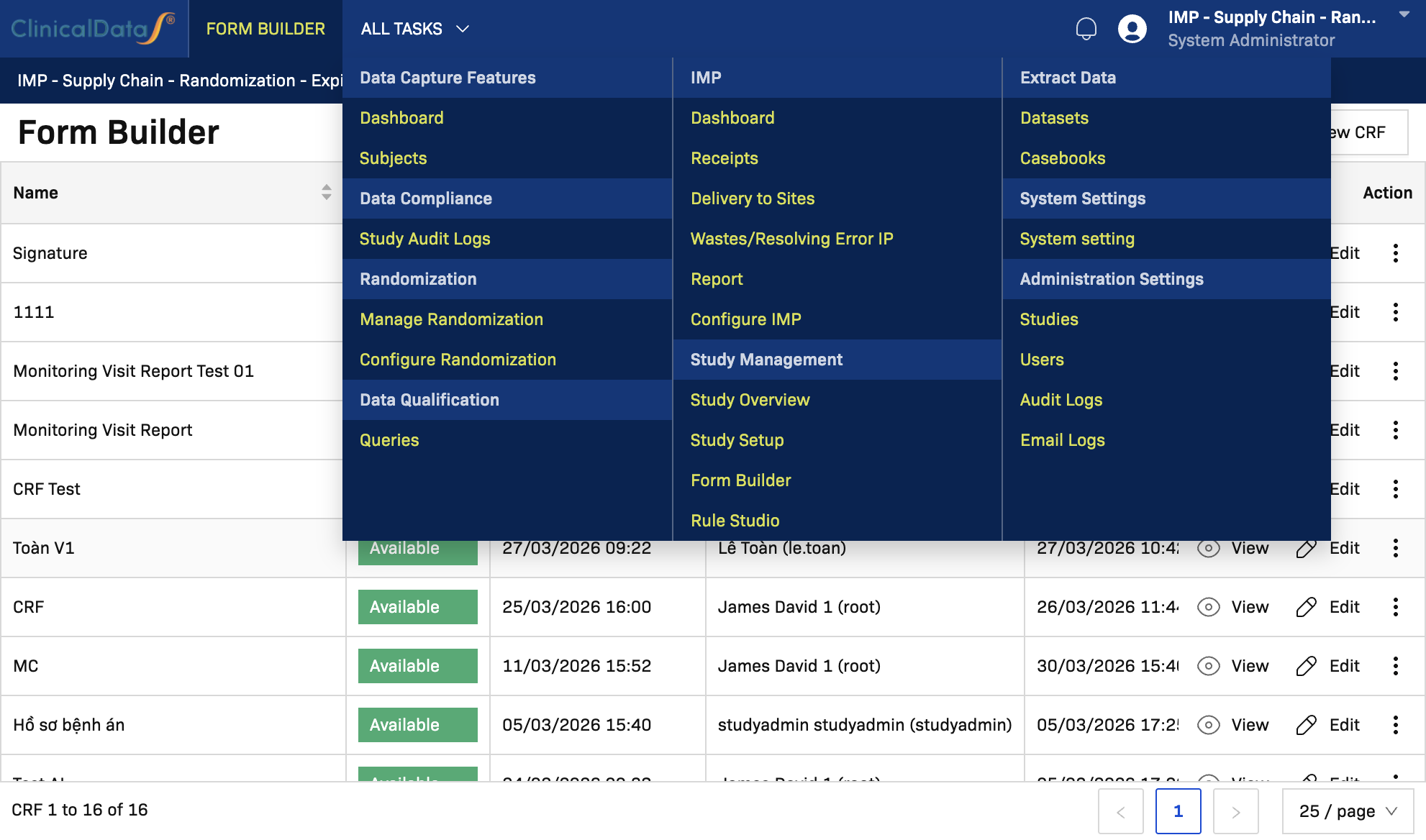
For full editor instructions (drag-and-drop components, field configuration, rules, and end-to-end build), continue here:
Notes
- Available actions may vary by CRF status and user permissions.
- Version behavior depends on your environment workflow and lock policy.
- Use version control practices to keep auditability and reduce accidental changes.