Overview
ClinicalDataS is a platform for managing clinical study operations, data capture, and study workflows in one place. After signing in, users land on My Page and move between system-level and study-level areas from a consistent navigation header.
This page introduces platform-wide navigation. For screen-by-screen detail, use the pages linked below.
Key areas after sign-in
| Area | What it is for |
|---|---|
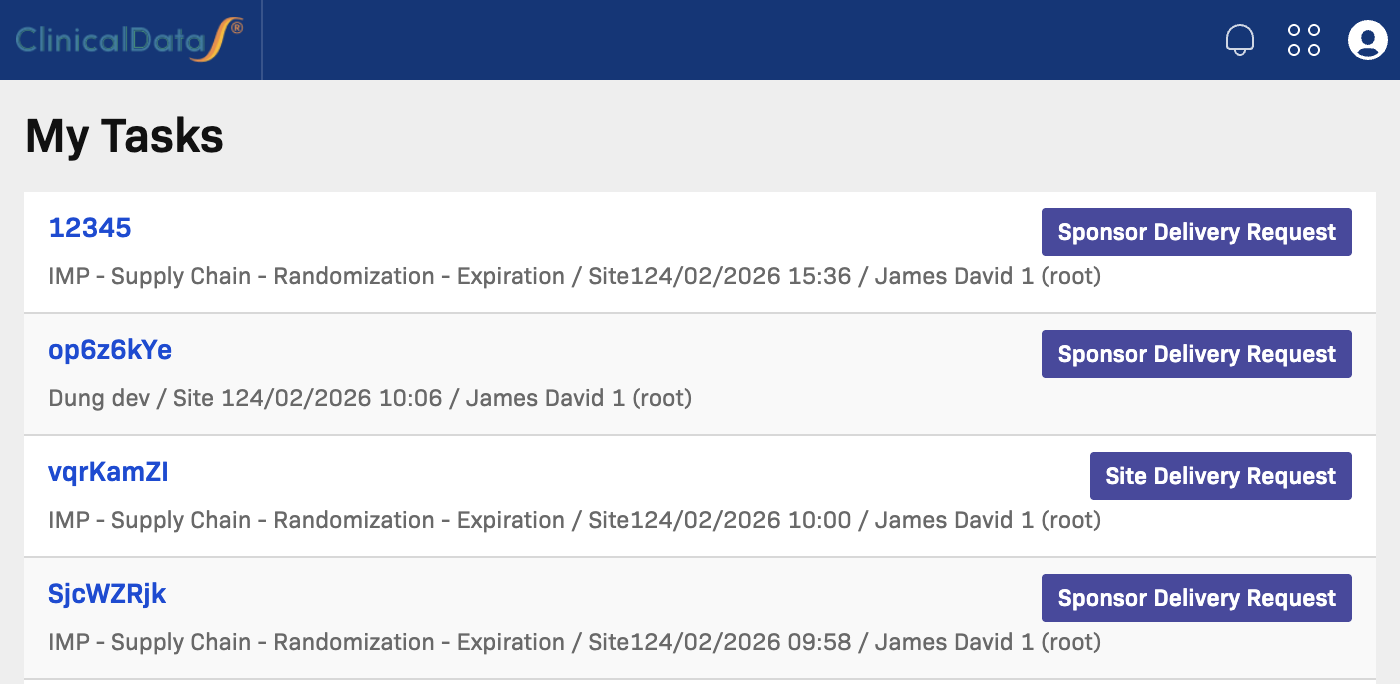
| My Page | Personal home — tasks, current study, and other studies you can open |
| Study Home | Central hub inside a study — subjects, apps, and the event/CRF matrix |
| Icon Legend | Reference for icons and status symbols across the platform |
Header navigation
Use the header menu at the top of every page to move between key areas:
- Home — Opens My Page
- Administrations — Study and user management (system level)
- System Settings — Platform configuration and security defaults
- All Tasks — Full task list across studies
The user menu in the top-right corner provides profile and session actions for your current role.
New to ClinicalDataS? Start here
If you are setting up a new study for the first time, follow this recommended path:
- Create a new study — Enter study name, protocol ID, sponsor, and dates.
- Configure study parameters — Set subject ID format, date format, and event parameters.
- Create sites — Add participating research sites.
- Create visit events — Define the visit schedule (Screening, Baseline, Follow-up, etc.).
- Install apps — Enable the modules needed for your study (Form Builder, Randomization, Rule Studio, etc.).
- Configure Randomization — Set up blinding, algorithm, and treatment arms.
- Create Subject Group Classes — Define treatment arm codes for randomization.
- Add study users — Assign investigators, CRCs, and monitors.
- Build CRFs in Form Builder — Design data capture forms.
- Create rules in Rule Studio — Add auto-calculations, validations, and edit checks.
- Go Live — Transition the study to Production when setup is complete.
Learn more
- My Page — Tasks, current study shortcuts, and switching studies
- Study Home — Navigate inside an open study
- First Study: Create a new study — Step-by-step study creation